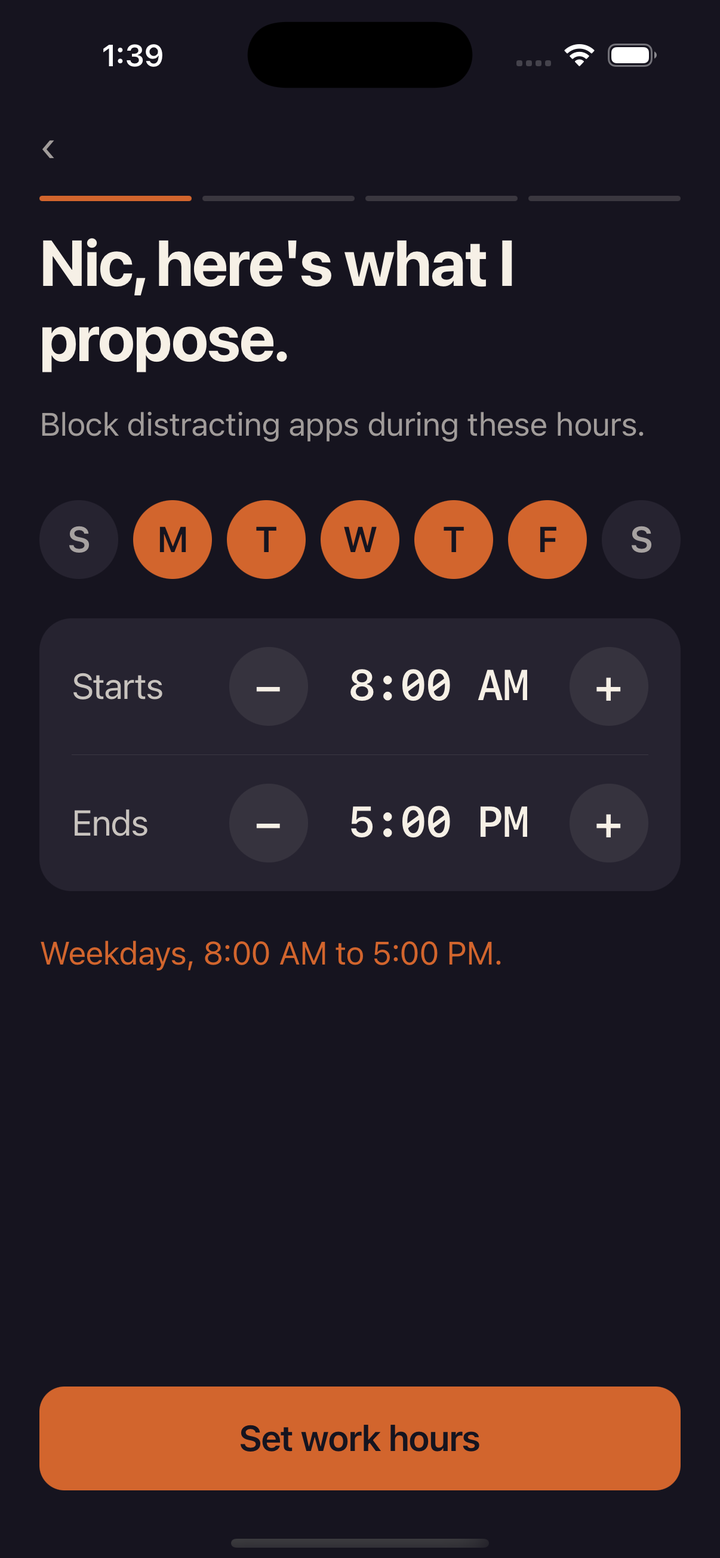
Protect your work hours
Choose the apps you want to block and set your work hours.
An app blocker for solo founders
Block distracting apps during your work hours, with timed breaks that end automatically.

Choose the apps you want to block and set your work hours.
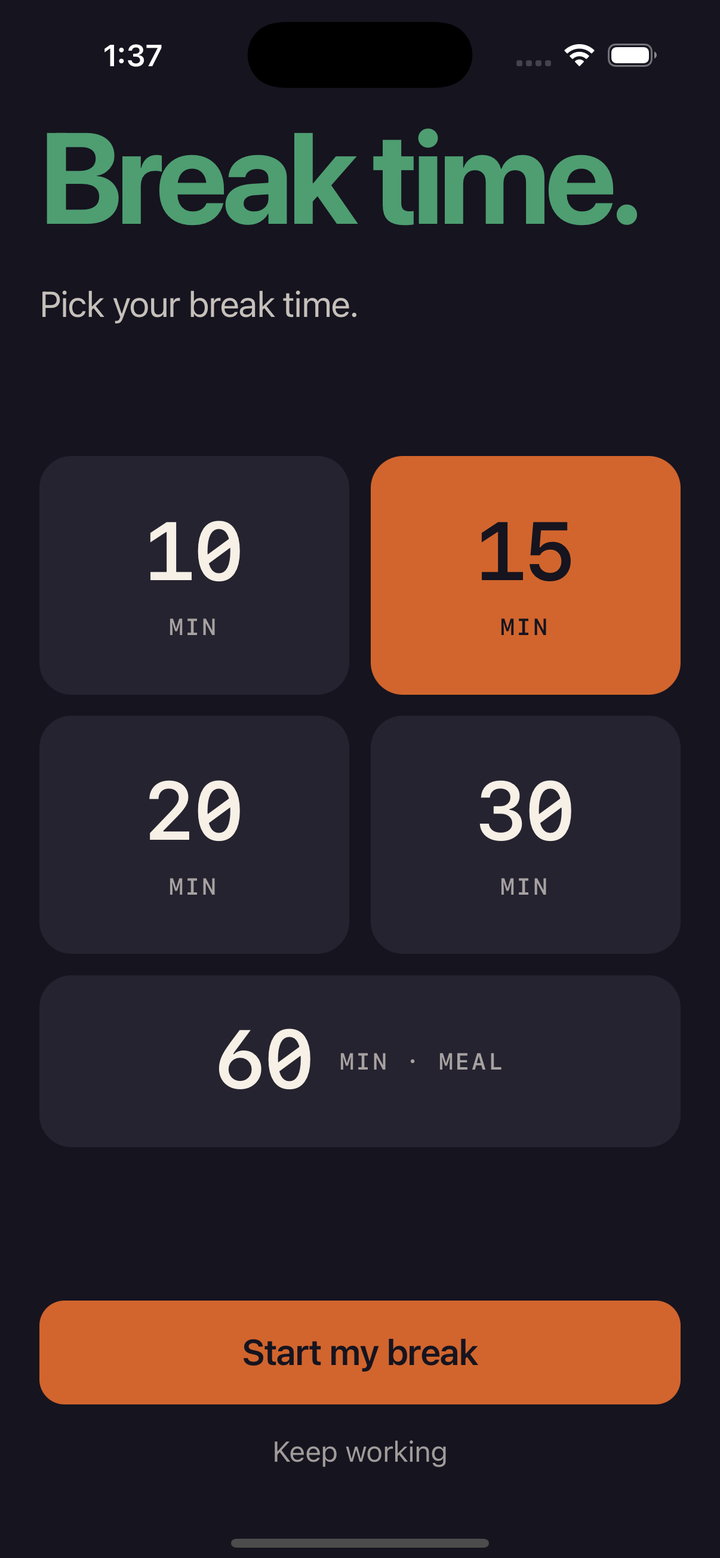
After each work session, choose a timed break. Your apps lock again automatically when it ends.
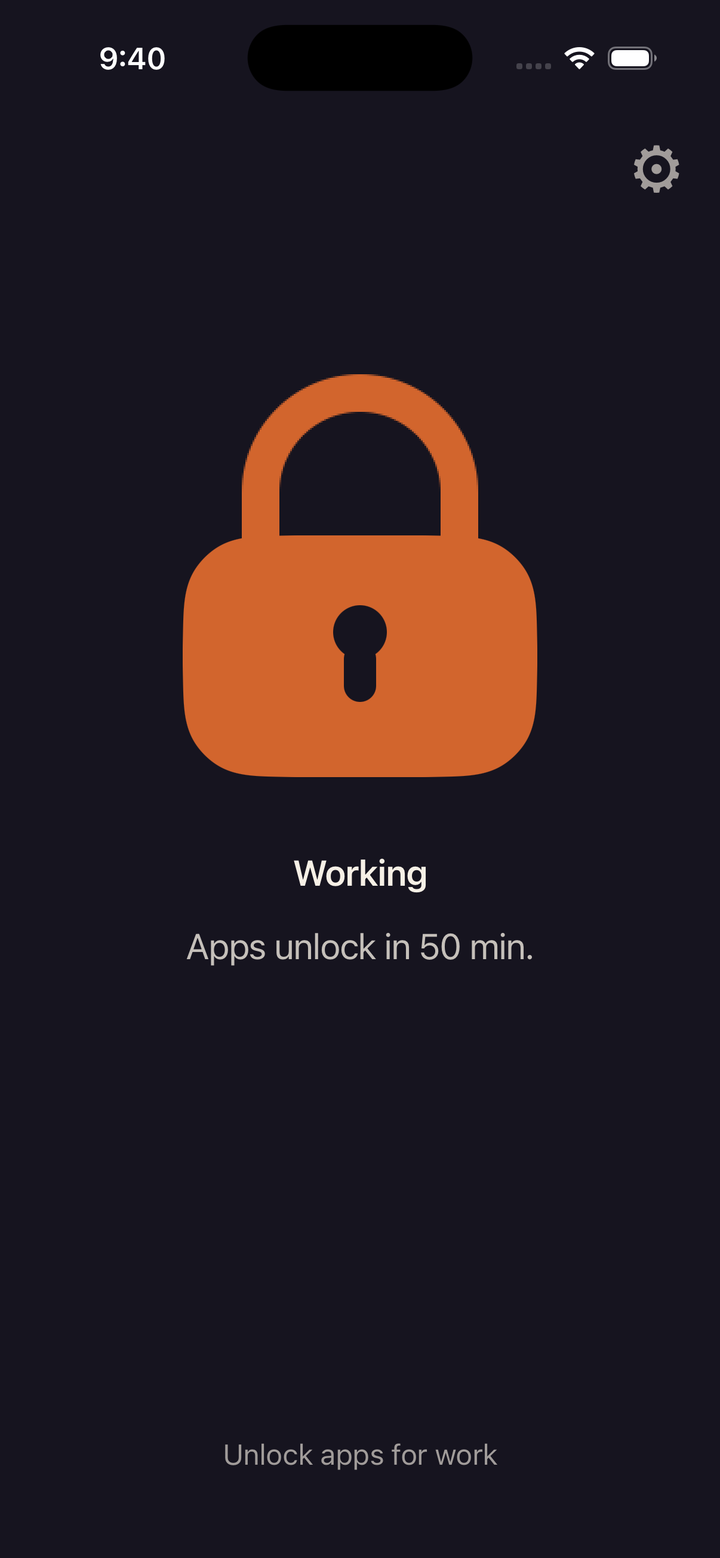
Outside your work hours, tap Lock apps. They stay locked for one work session and unlock on their own when it ends.
ShipHound blocks apps on your iPhone.
A break becomes available after each work session. Work sessions are 50 minutes by default, and you can change that in Settings. Choose a break length when you're ready. When the break ends, blocking resumes and the next session begins.
There is one 60-minute meal break available each day.
Yes. Tap Lock apps and your distracting apps stay locked for one work session, 50 minutes by default. They unlock on their own when it ends.
An iPhone running iOS 18 or later.
Opens the App Store.